
Editable 8.5×11 Canva Template for Real Estate Agents
2-Sided Listing Flyer
The photo and the price up front, the details on the back.
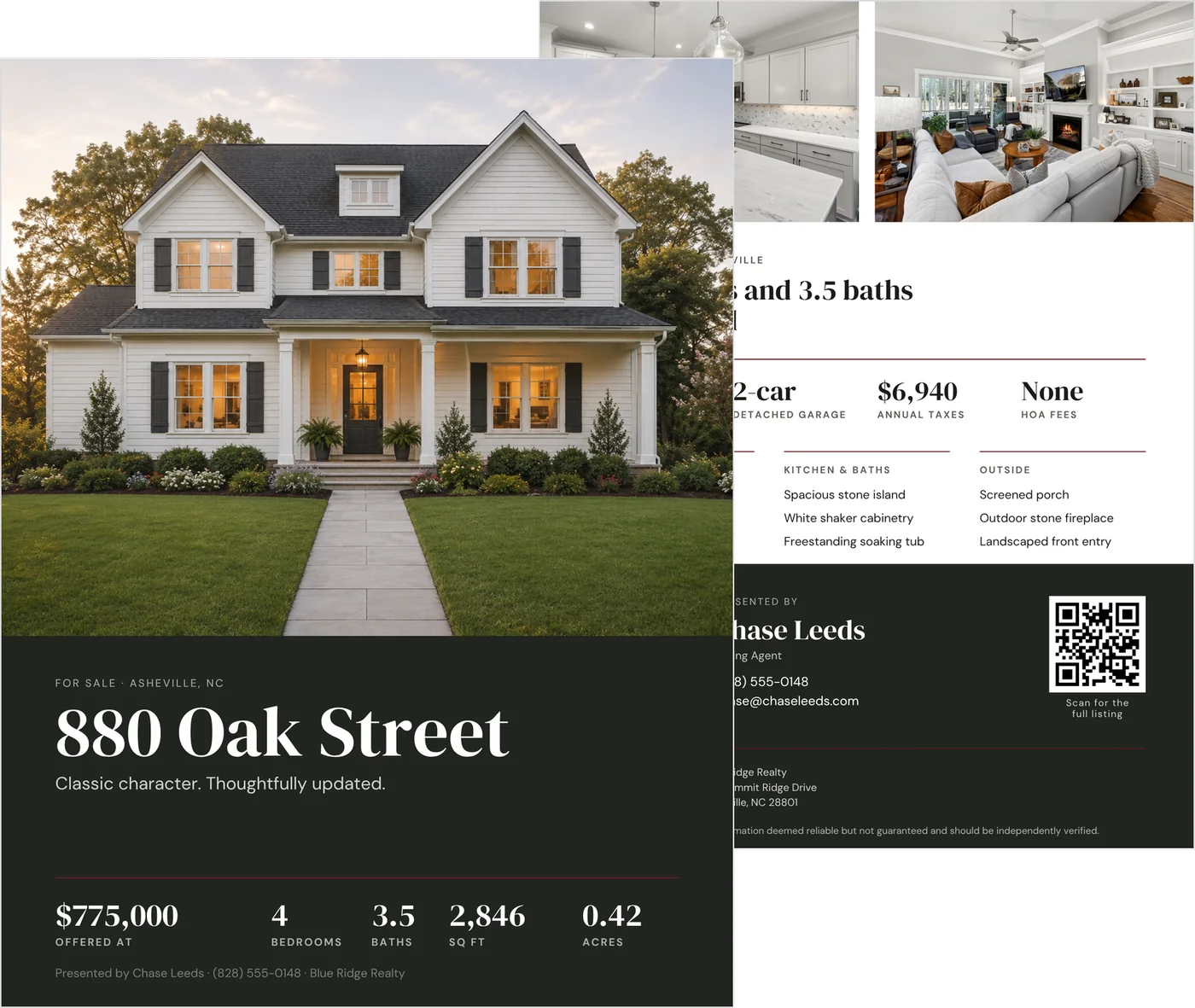
A two-sided 8.5 × 11 flyer for the showing table. The front leads with a full-height photo, the address, the price and the facts row. The back carries two more photos, three feature lists, your contact details and a QR code to the full listing.
Drop your listing photos into the frames, type over the facts, add your logo and brand color in Canva, then print it double-sided at any shop.
$9 · One-time purchase
2 Canva pages · 8.5 × 11 portrait · Set up with print bleed · Instant download
Best for listing agents who make their own marketing
You want a flyer that holds up next to a national brand’s, without rebuilding one for every listing.
A good fit if you:
- work at an independent or local brokerage and produce your own listing marketing
- have bright, professionally shot listing photos to drop in
- want the photo to lead without losing room for the facts
- print double-sided at a local shop and want a file already set up with bleed
Not ideal if:
- you want a fuller property presentation — the 4-Page Listing Brochure is the bigger piece, on the same design
- you need a Just Listed announcement with several layouts — the Real Estate Flyer Set is built for that moment
- you have no listing photography yet — the layout is photo-led and needs it
What is on the flyer
Two Canva pages, printed front and back on one 8.5 × 11 sheet.
Front
- A full-height exterior photo
- City and state, and the address — long addresses and unit numbers wrap to a second line
- A one-line tagline
- The list price
- Beds, baths, square feet and acres
- A one-line agent credit
Back
- Two photos and a fact headline
- Year built, garage, taxes and HOA
- Three feature lists: Inside, Kitchen & Baths, and Outside
- Your headshot and contact details
- A QR code to the full listing
- Your brokerage logo, office address and the disclosure line
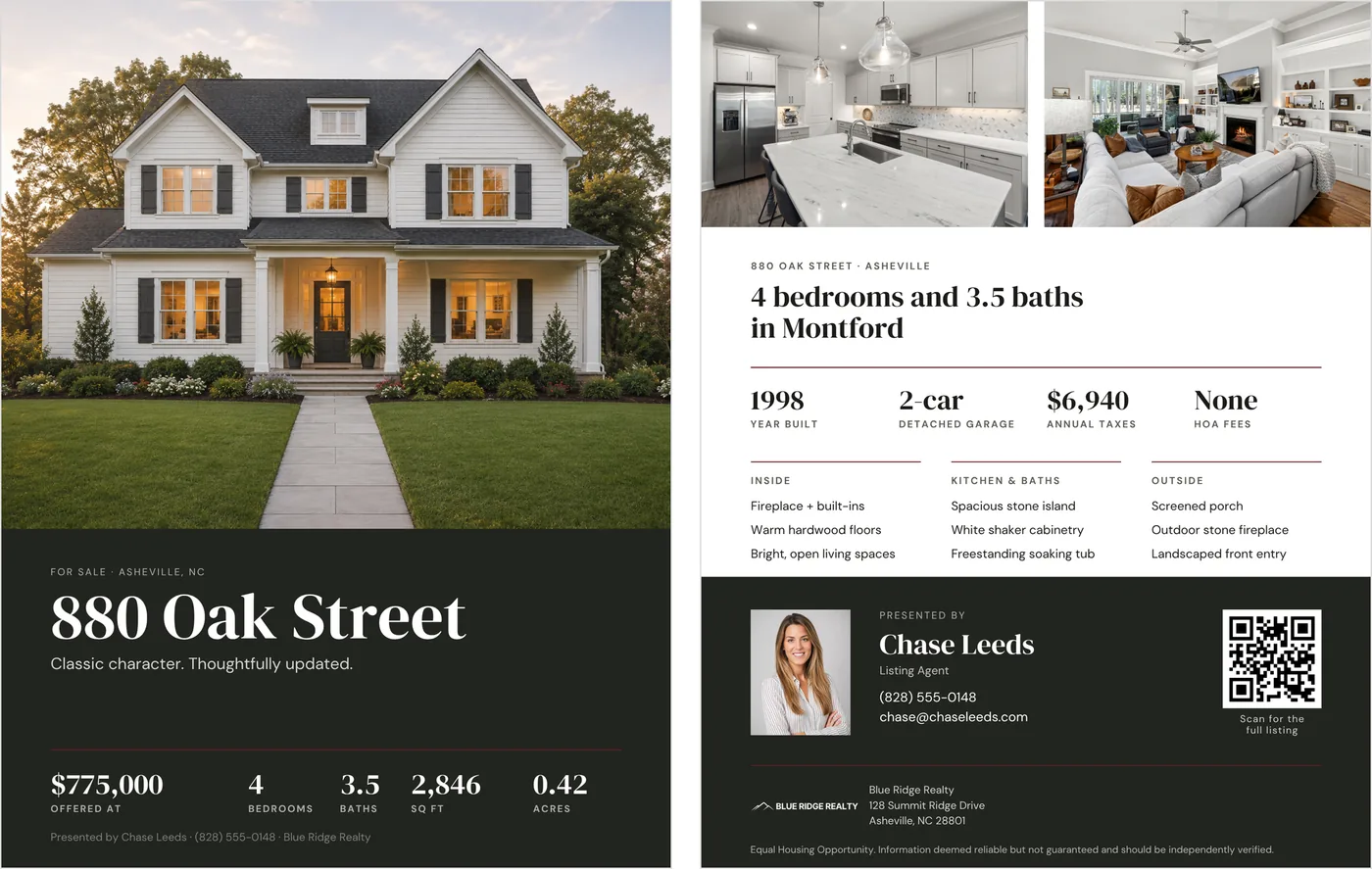
Front and back, shown with a sample listing.
Every label is editable, so the facts fit the property
A house shows a garage and acres. A condo can show parking, an HOA figure per month and a floor instead — the labels are type, not fixed fields.
The feature lists work the same way: up to three short features under each of the three headings, in your own words.
The address field wraps to a second line, so a long street name or a unit number does not push the layout around.
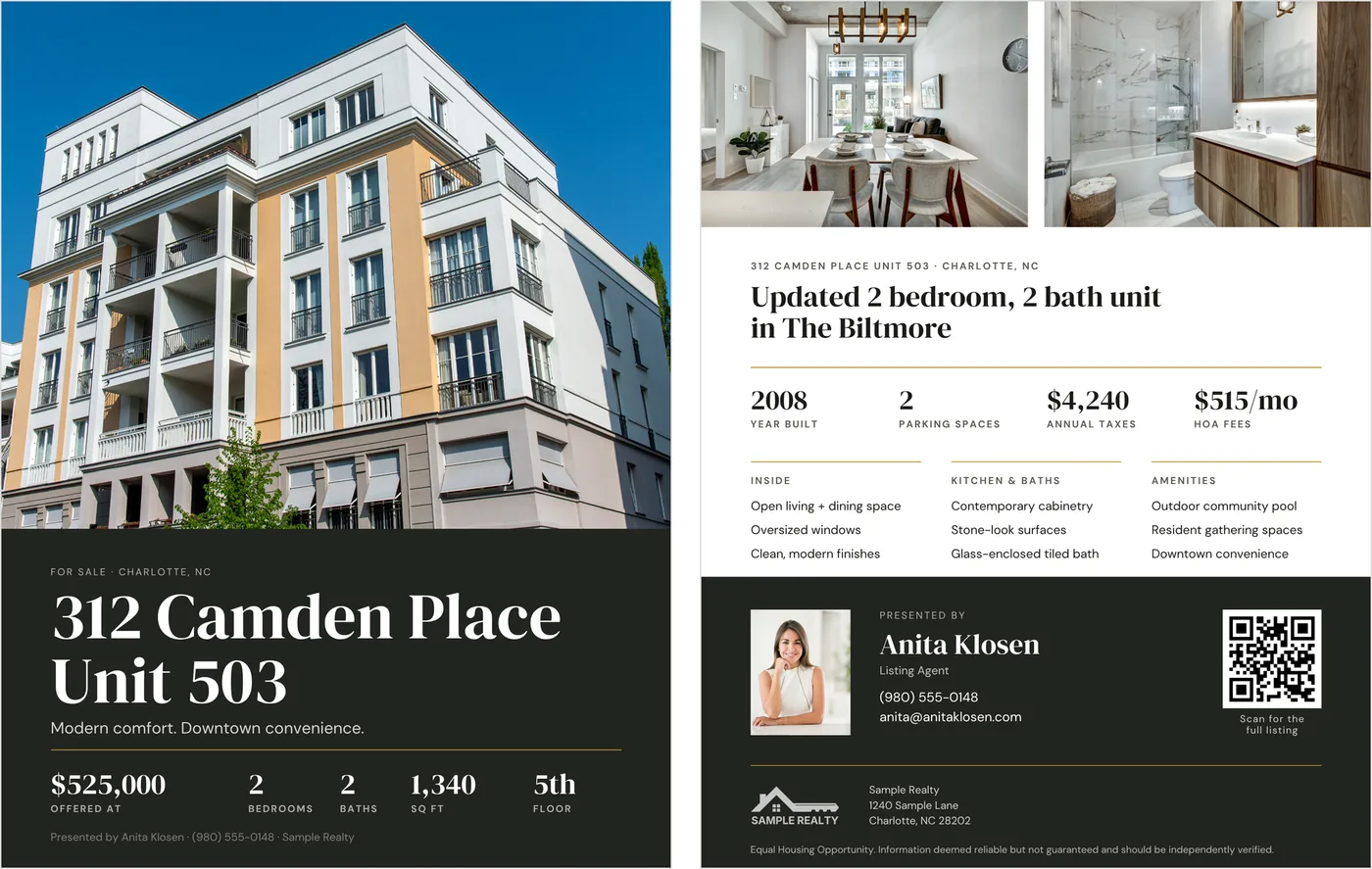
The same layout, labeled for a condo.
Photos in, facts typed, one color change
1. Open it in Canva.
The template link is in your download. Drag your photos into the frames.
2. Type over the details.
The address, the price, the facts row and your agent details — and the labels, if the property calls for different ones.
3. Add the features.
Up to three short features in each of the three lists.
4. Brand it.
Change the accent color once with Change all, drop your logo into the logo plate, and make your QR code with Canva’s free QR code app.
5. Print it.
Download as PDF Print with crop marks and bleed ticked, and print double-sided.
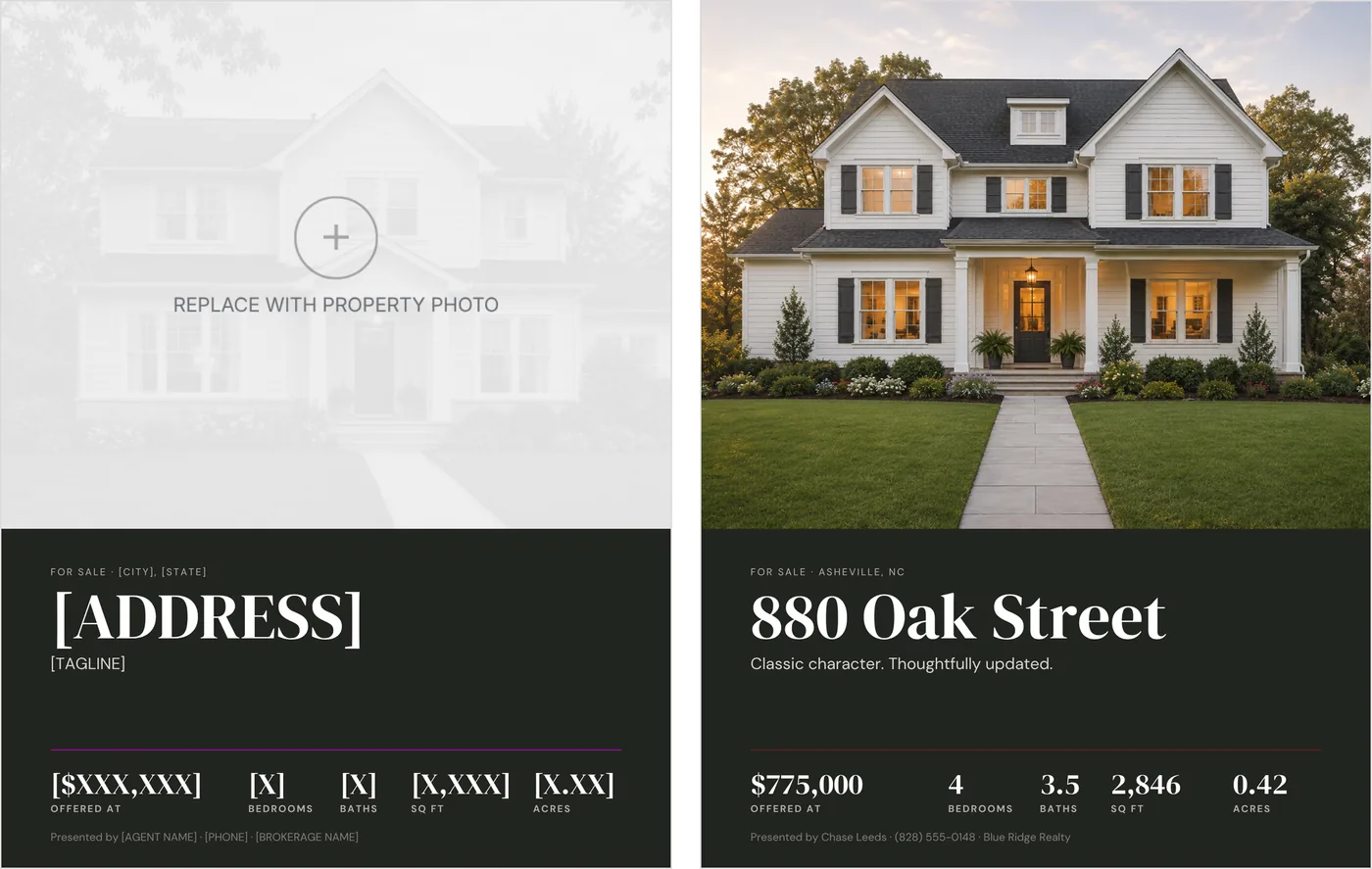
As it downloads, and finished.
What ships, and what doesn’t
Two Canva pages, 8.5 × 11 portrait, set up with print bleed, so the export carries crop marks and bleed for a print shop. You need a Canva account to edit it.
The photos, headshot and logo in the sample images are for display. Your template arrives with empty, labeled frames, so you know what belongs in each one.
It is a digital download: nothing ships, and printing costs are separate. It is for use with your own listings, not for resale or sharing.
Before you send it to print
The address, price, agent, brokerage and every figure in the samples are demonstration content. Replace all of them with the property’s own details.
The back carries a disclosure line. Check the wording against what your brokerage, your MLS and your state require before you print a stack.
Good to know before the print run
- Check the price and the facts row against the MLS listing
- Scan your QR code from a phone before the file leaves your desk
- Export as PDF Print with crop marks and bleed ticked
- Ask the shop for double-sided printing, and check the back is the right way up
- Print one copy and read it through before you order the stack
The rest of the listing-marketing set
Each is sold separately, and this flyer needs none of them.
4-Page Listing Brochure
The fuller property presentation, on the same design: an 11 × 17 bifold that folds to 8.5 × 11.
Real Estate Flyer Set
Seven flyers for the day the listing goes live, the open house, and the sold announcement.
Editorial Listing Brochure
The magazine-style version, for story-driven and high-end listings.
Common questions
How do I print it?
Export a PDF Print with crop marks and bleed ticked, and ask for double-sided printing on 8.5 × 11. The file is set up with bleed, so the photo runs to the edge.
Can I use it for a condo, a townhouse or land?
Yes. Every label is editable, so a condo can show parking, a monthly HOA figure and a floor where a house shows a garage and acres.
Do the sample photos come with it?
No. The photos, headshot and logo in the images are for display. The template arrives with empty, labeled frames for your own listing photography.
How does this differ from the brochure?
Same design, different size of piece. The flyer is one sheet for quick handouts; the 4-Page Listing Brochure is an 11 × 17 bifold with room for the MLS description and four interior photos.
Put the next listing on paper
Photos in, facts typed, one color change — then print it double-sided and leave a stack on the table.