
Real estate tools built around the work you actually do.
Presentations, guides, sign-in tools, trackers, seller reports, and listing marketing, organized by the job instead of the file type.
Use one piece when that’s all you need, or combine products into a repeatable client workflow.
One-time purchase · Instant download through Etsy · Made for real estate agents
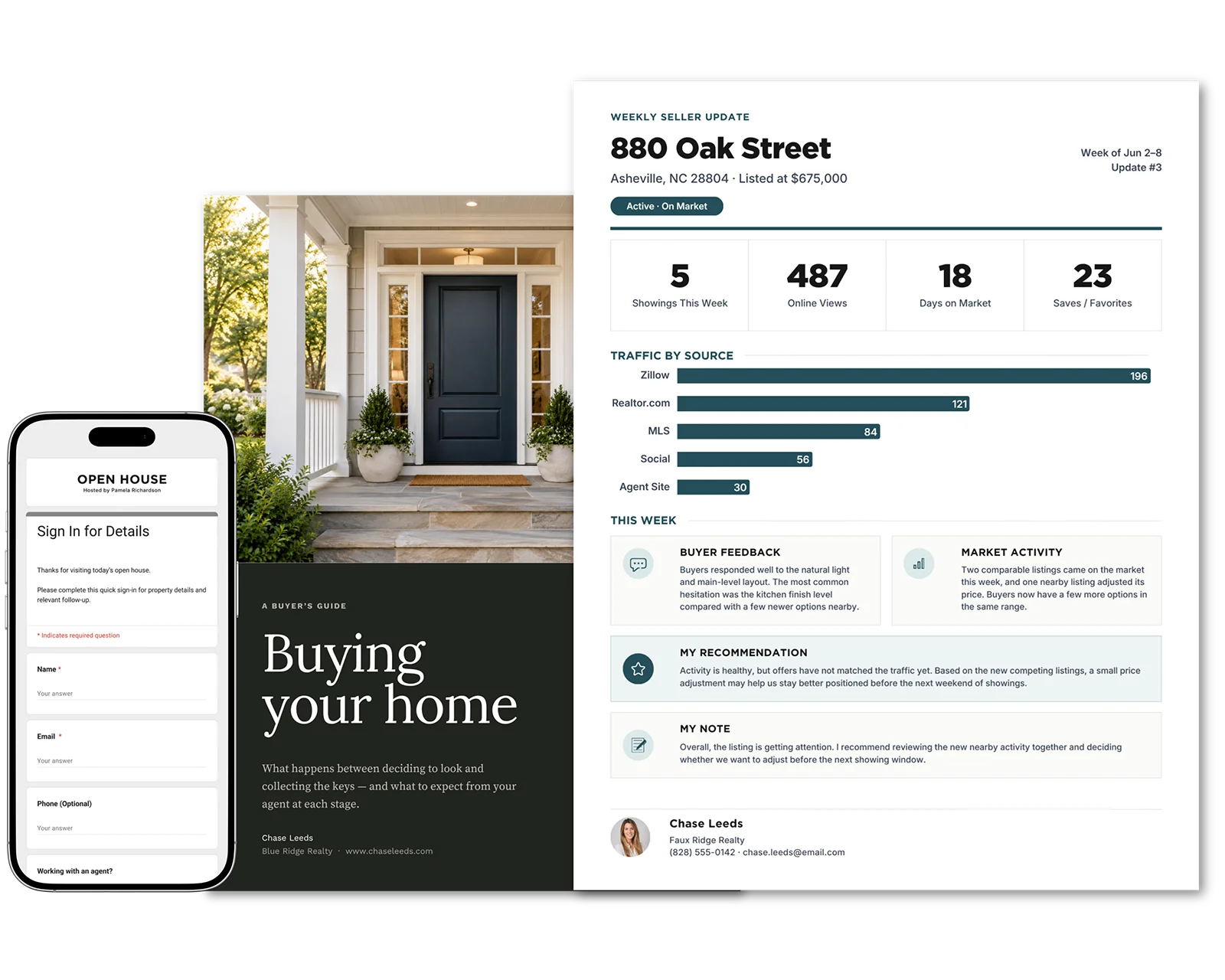
SHOP BY WORKFLOW
What are you working on?
Start with the job in front of you. Each workflow groups the tools for one stage of the work, from winning the listing to keeping the seller informed.
Winning the Client
Seller guides, pre-listing materials, listing presentations, buyer guides, and consultation tools.
Launching a Listing
Flyers, brochures, social assets, and property marketing for after the listing agreement is signed.
Seller Updates & Reporting
Weekly updates, marketing activity, buyer feedback, and nearby competition, reported to the seller while the listing is active.
Hosting an Open House
QR sign-in, feedback forms, signs, flyers, and follow-up tracking for before, during, and after the event.
Staying Top of Mind
Local market updates, neighborhood flyers, and social templates for staying in touch with past clients and your farm.
THE SELLER SIDE, IN ORDER
The right piece at the right point in the seller relationship.
Four separate products, each complete on its own. Used in order, they follow a seller from the first inquiry to the active listing.
1 · Seller reaches out
Home Seller Guide
Give them useful context before they decide who to meet with.
2 · Appointment booked
Pre-Listing Packet
Cover costs, process, and a net-proceeds worksheet before you sit down, so the meeting starts on their goals.
3 · At the meeting
Listing Presentation
Make the pricing case on evidence, with a deck to present and a leave-behind for the table.
4 · Listing goes live
Seller Reporting System
Report to the seller in the same format from launch week to closing.
Start at any step. Each product is sold separately, and nothing has to be set up in a particular order.
Practical Places to Start
Popular tools for everyday real estate work.

Open House Signs & Sign-In Kit
Every sign and handout in one design, reused every weekend.
Guide visitors from the curb through the tour with matching signs, then collect guest details by QR code or paper sheet, all in your brand.
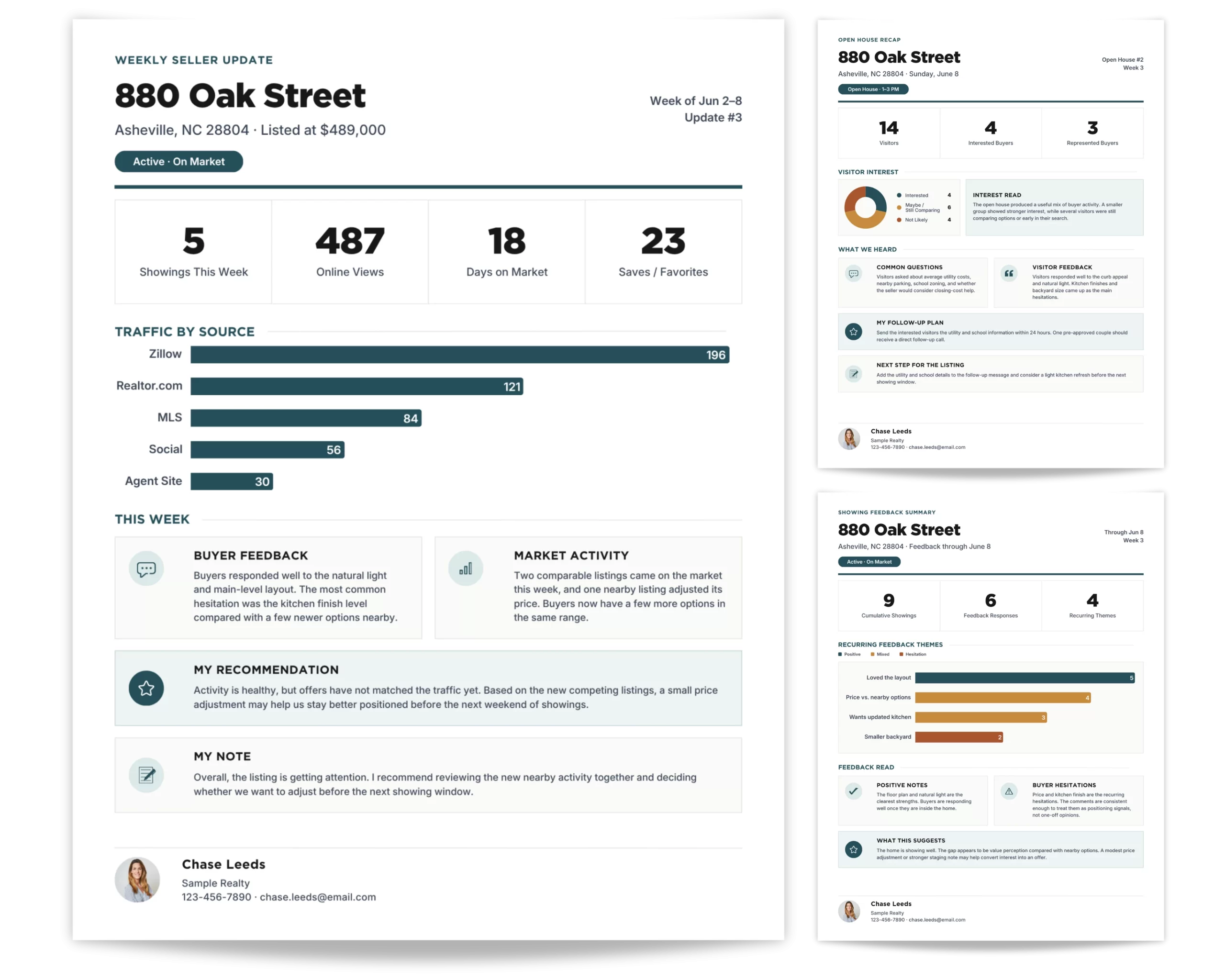
Weekly Seller Update Reports
Keep sellers informed without rebuilding the same report every week.
Use four editable Canva pages to summarize listing activity, open house results, buyer feedback, and nearby competition in one clear update.
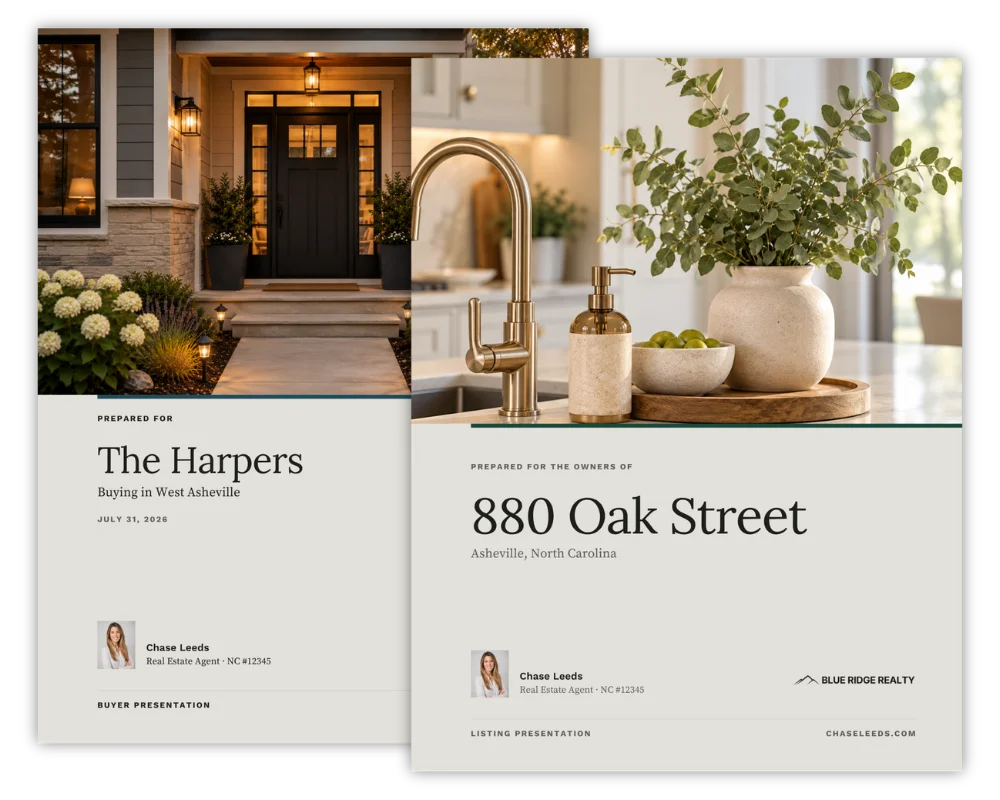
Listing + Buyer Presentation Bundle
Prepare for listing appointments and buyer meetings with one coordinated set.
Use two editable Canva presentations to explain your process, guide client conversations, and bring a clear, professional structure to both sides.
Three tools from a larger collection. Browse every workflow to see the rest.
FREE GOOGLE SHEETS CALCULATOR
What will it take to reach your 2027 income goal?
Enter your income goal and see the closings, appointments and leads you’ll need to get there. A free, editable Google Sheets calculator for real estate agents.
HOW IT WORKS
Choose it once. Customize it. Reuse it.
Set a tool up for your business one time, then start from your own version every time that job comes around.
Step 1
Choose the tool for the job
Start from the work in front of you: a listing appointment, a launch, an open house, or a seller update.
Step 2
Customize it to your brand and business
Add your logo, colors, photos, contact details, and the way you work. Most products edit in Canva; some also use Google Forms or Sheets.
Step 3
Reuse it whenever that job comes up again
The next listing, open house, or seller update starts from your finished version instead of a blank page.
How buying and access work
Checkout happens on Etsy. After purchase you download an access PDF with links to your own editable copies and the setup notes. Each Etsy listing states exactly what is included and which tools it uses.
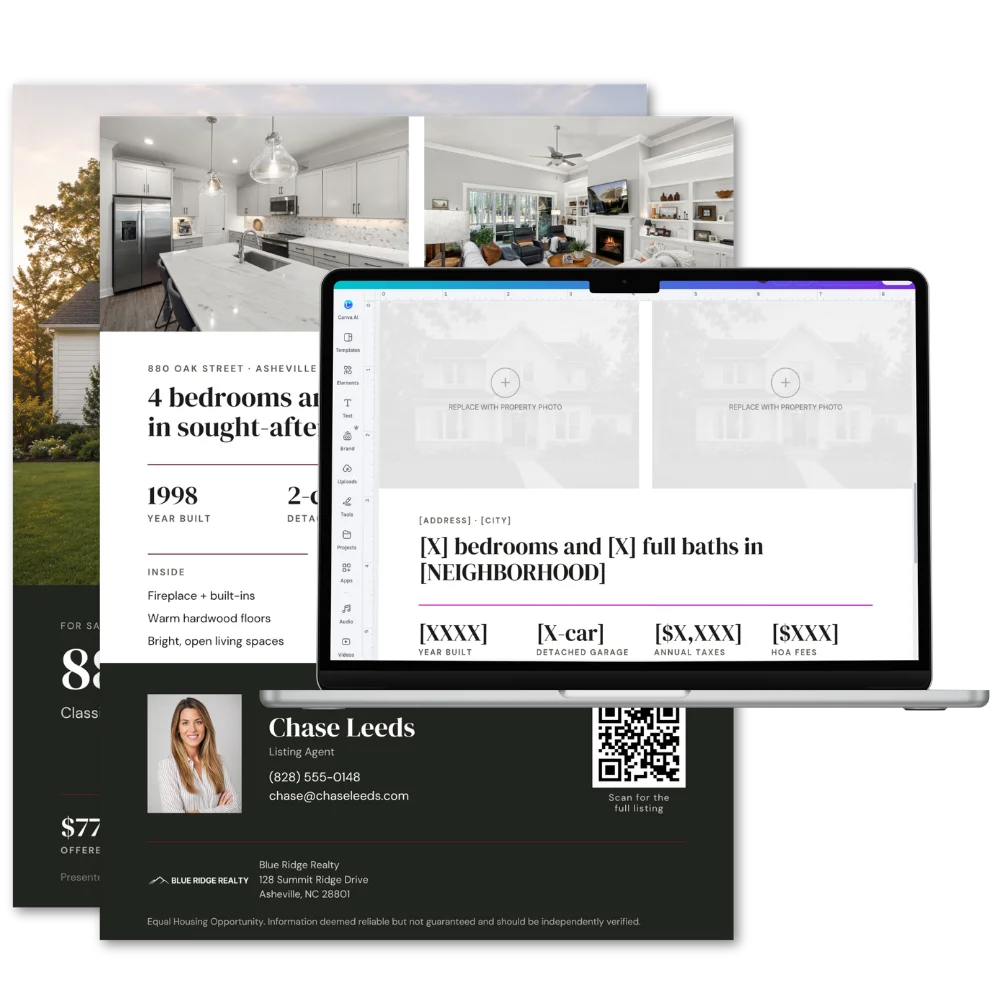
Product mockups use Chase Leeds, a fictional demo agent. Your name, brokerage, and photos replace the samples.
Built from real estate work, not template trends.
Agent Marketeur is built by a practicing real estate agent who understands the day-to-day work behind listing appointments, seller communication, open houses, and property marketing.
The products start with recurring real estate jobs: listing appointments, buyer consultations, open houses, seller updates, and listing launches. Each one is designed to be set up once and reused, instead of rebuilt for every client.
Common Questions
Quick answers before you buy.
What do you mean by workflow tools?
Some products are Canva templates. Others use Google Forms, Sheets, trackers, reports, or supporting guides. What ties them together is that each one is built around a real job an agent has to perform, not around a file type.
Do the products connect to each other?
They are separate products. Some are designed to be used one after another, like the seller guide, pre-listing packet, and listing presentation, but nothing syncs or shares data between them. Each one works on its own.
Do I buy directly from this website?
No. Purchases are currently completed through Etsy. Product pages on this site will send you to the correct Etsy listing.
How do I get the files?
After purchase, you’ll receive an instant digital download through Etsy. Most products include a PDF with links and instructions for accessing the files and making your own editable copies.
Start with the job you need to handle next.
Pick the workflow you’re in and see the tools built for it.