
Editable Canva Templates for Real Estate Agents
Real Estate Listing Social Media Kit: Coming Soon to Sold, in the Same Look as Your Flyer
One listing’s posts and stories, edited in Canva the day each stage happens.
If your listing posts come from a different template each time, this gives you one set: the same dark band, the same serif headline and your brand color on every post, from the first teaser to the sold announcement.
It uses the same design as the 2-Sided Property Flyer and Property Brochure, so the listing looks the same on the showing table and in your feed.
$12 · Feed posts and stories for every stage
1080 × 1350 feed + 1080 × 1920 stories · Canva Free · Instant download
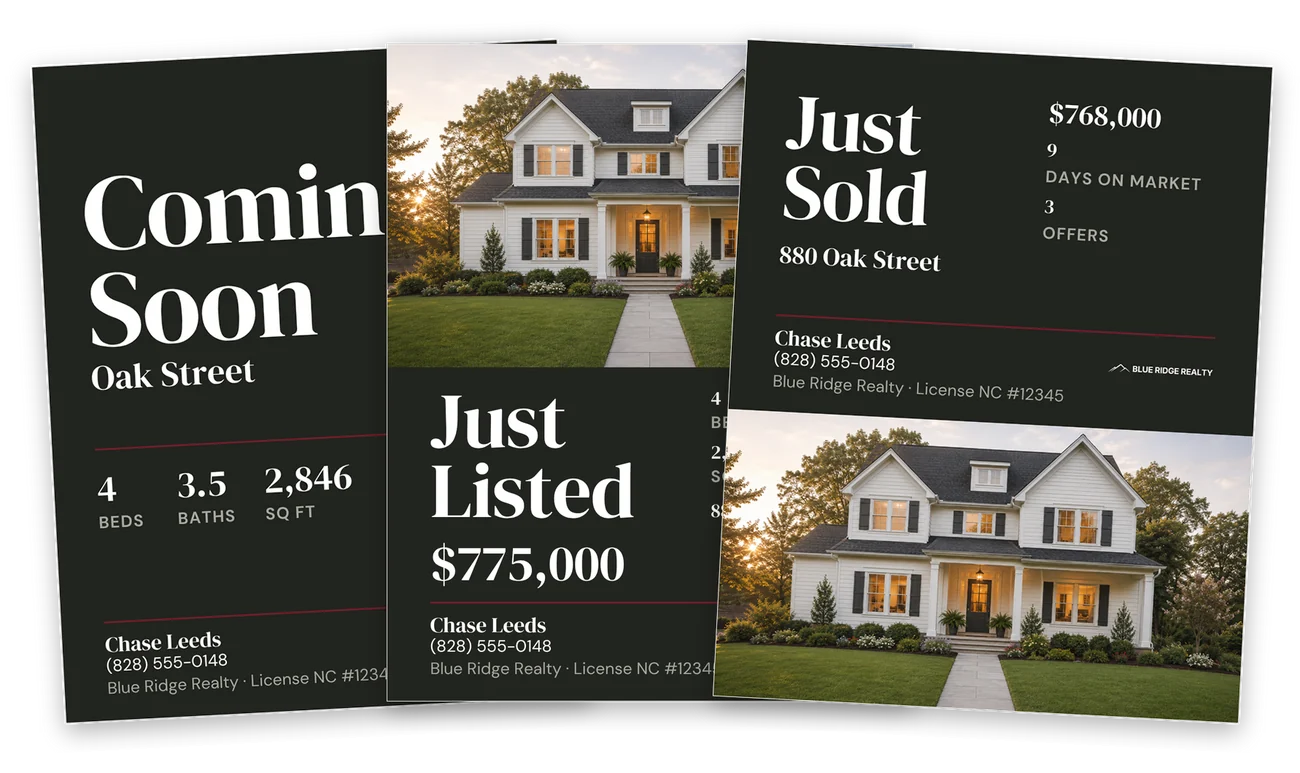
A post for every stage of the listing
Edit the one you need the day it happens, and skip the stages the listing doesn’t have.
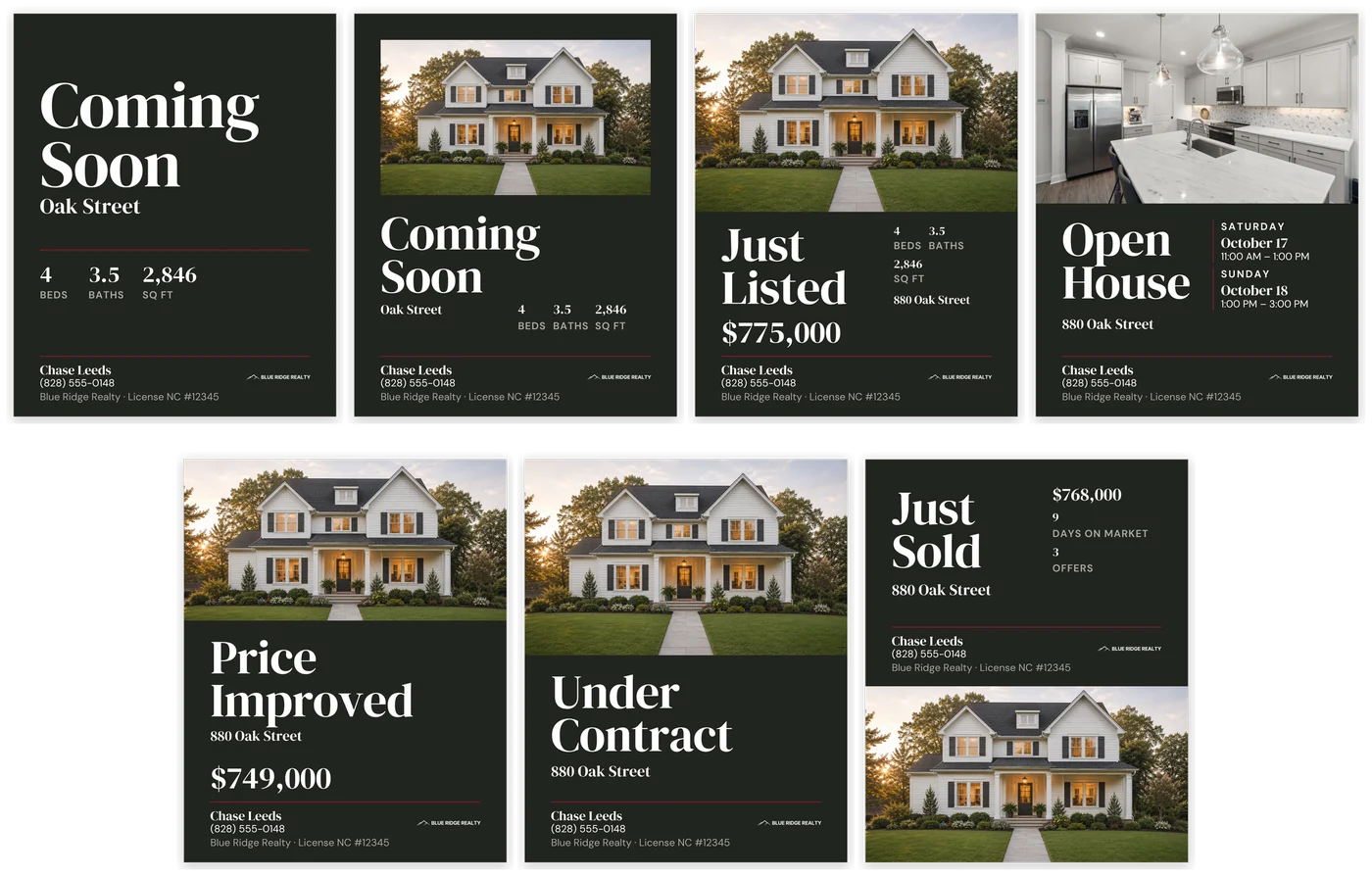
Coming Soon
Two versions: one with no photo, for before you have them, and one with a photo.
Just Listed and Open House
The price on its own line under Just Listed. Open House has room for two sessions; delete the second for one.
Price Improved and Under Contract
The stage words edit: Price Improved to Back on Market, Under Contract to Pending or Sale Pending.
Just Sold
The sale price, days on market and number of offers are optional lines. Delete any you won’t share.
Stories for the same stages
Eight stories at 1080 × 1920: Coming Soon, Just Listed, Open House, an Open House reminder, Price Improved, Under Contract, Just Sold and Feature.
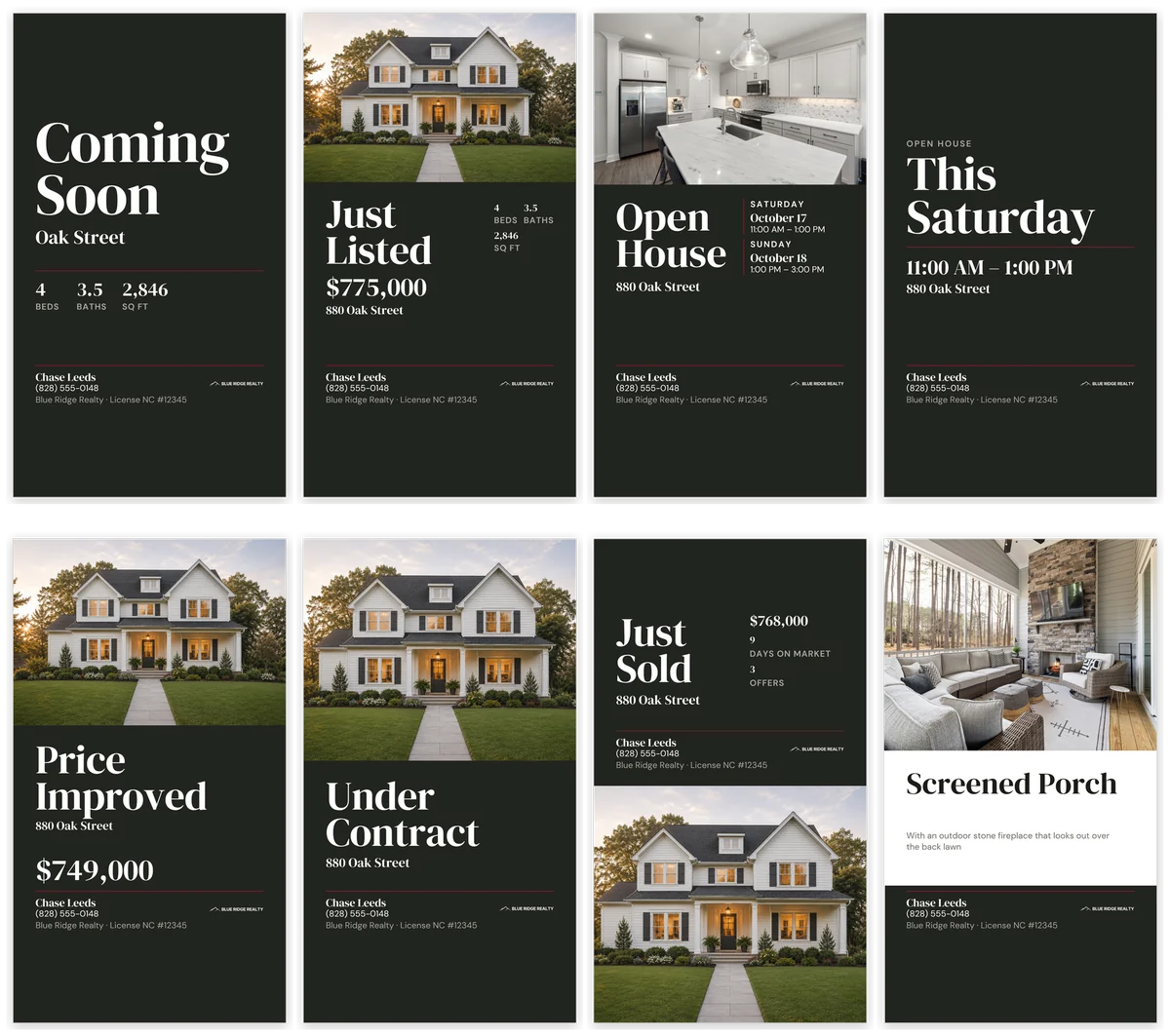
Each story leaves clear space for Instagram’s link, countdown and poll stickers. The reminder reads This Weekend, and edits to Tomorrow, Today or the day of the open house.
A carousel for launch day
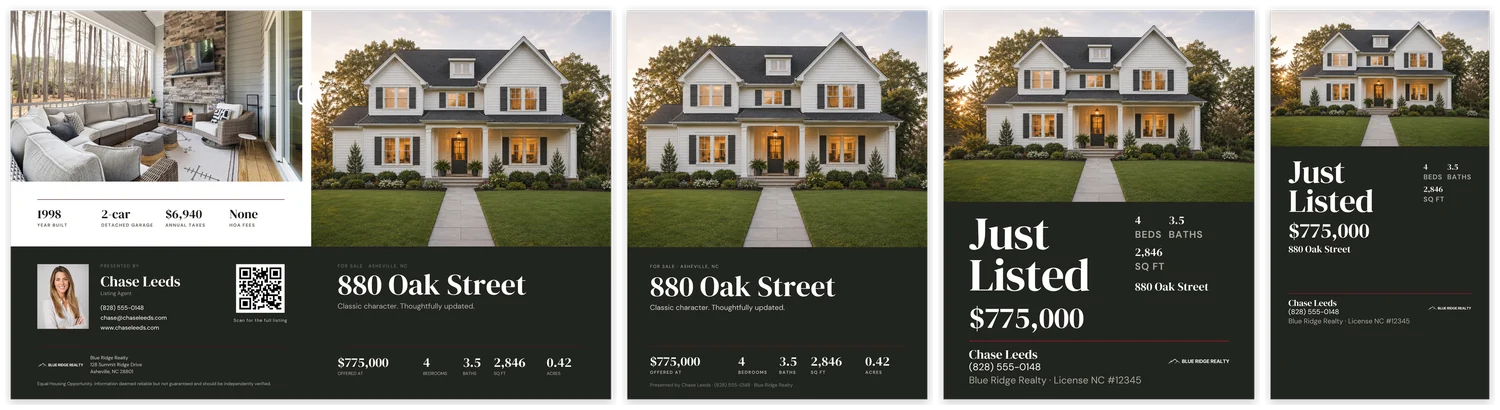
Swipe through the home. On launch day, post this four-slide photo tour or the single Just Listed, not both.
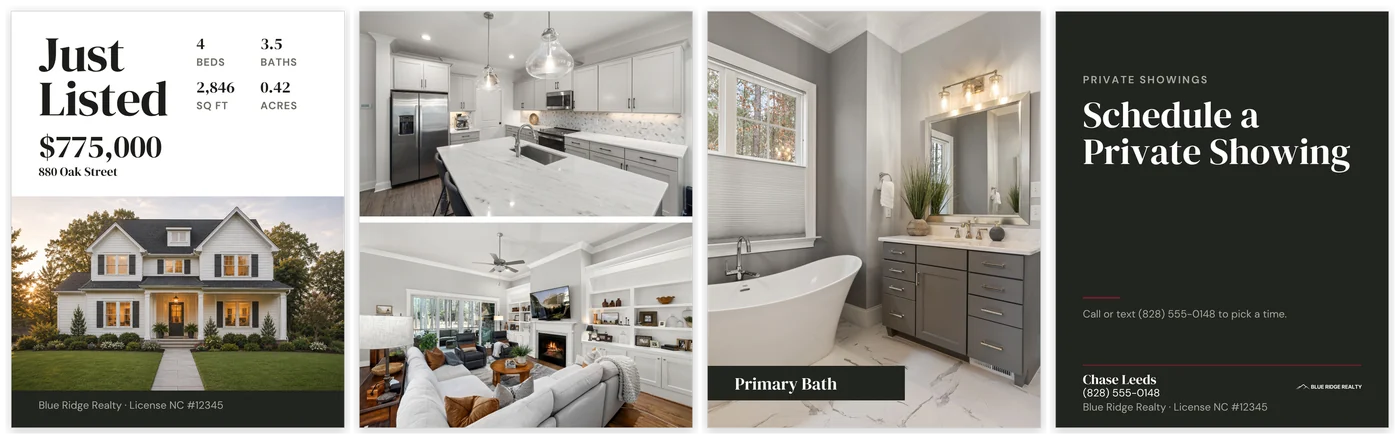
Cover
Price, address and four facts above the photo.
Photo pair
Two listing photos. Duplicate it for more.
Room
One full photo with the room name.
Closing slide
Your call to action and contact details.
Posts for the days in between
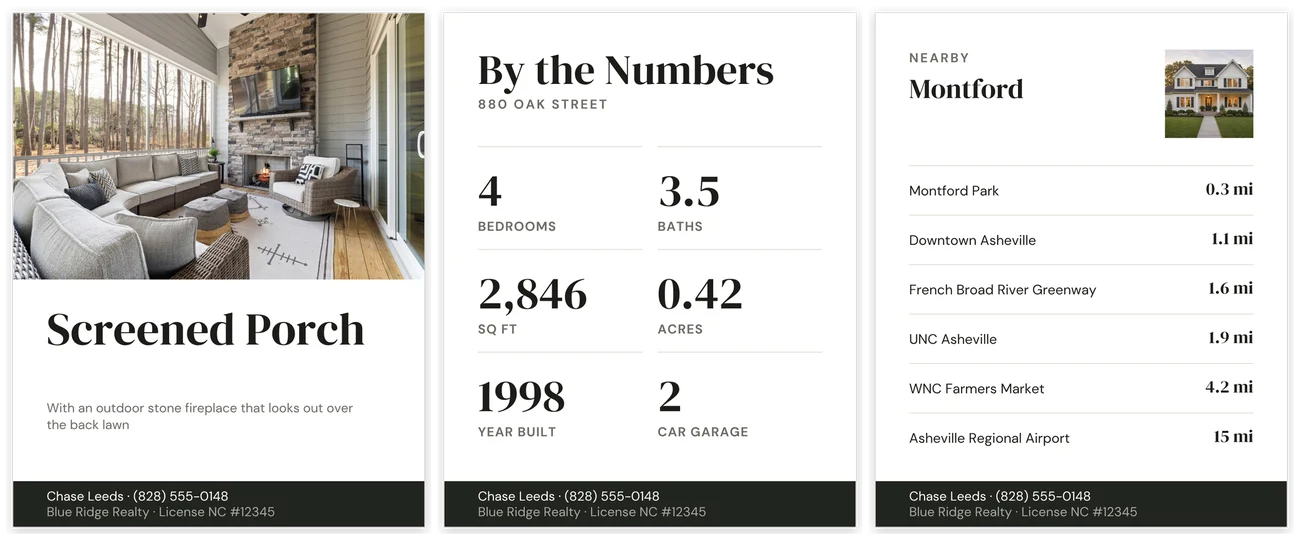
While the listing is active, three posts show a room, the numbers and the neighborhood between the stage announcements.
Feature
One room or detail, with a short line about it.
By the Numbers
Six specs. Every label edits, so Acres can become HOA a month for a condo.
Nearby
Your neighborhood and six places with their distances. The small photo is optional.
By the Numbers, Nearby, the no-photo Coming Soon and the closing carousel slide all work without any photos.
One listing, one look on your profile
Every post shares the same band, type and color, so the listing reads as one set in your profile grid instead of a run of unrelated posts.
No text sits on a photo, so a dark or busy photo never makes a post hard to read. Text stays clear of the profile grid’s crop, so nothing is cut off at the sides.
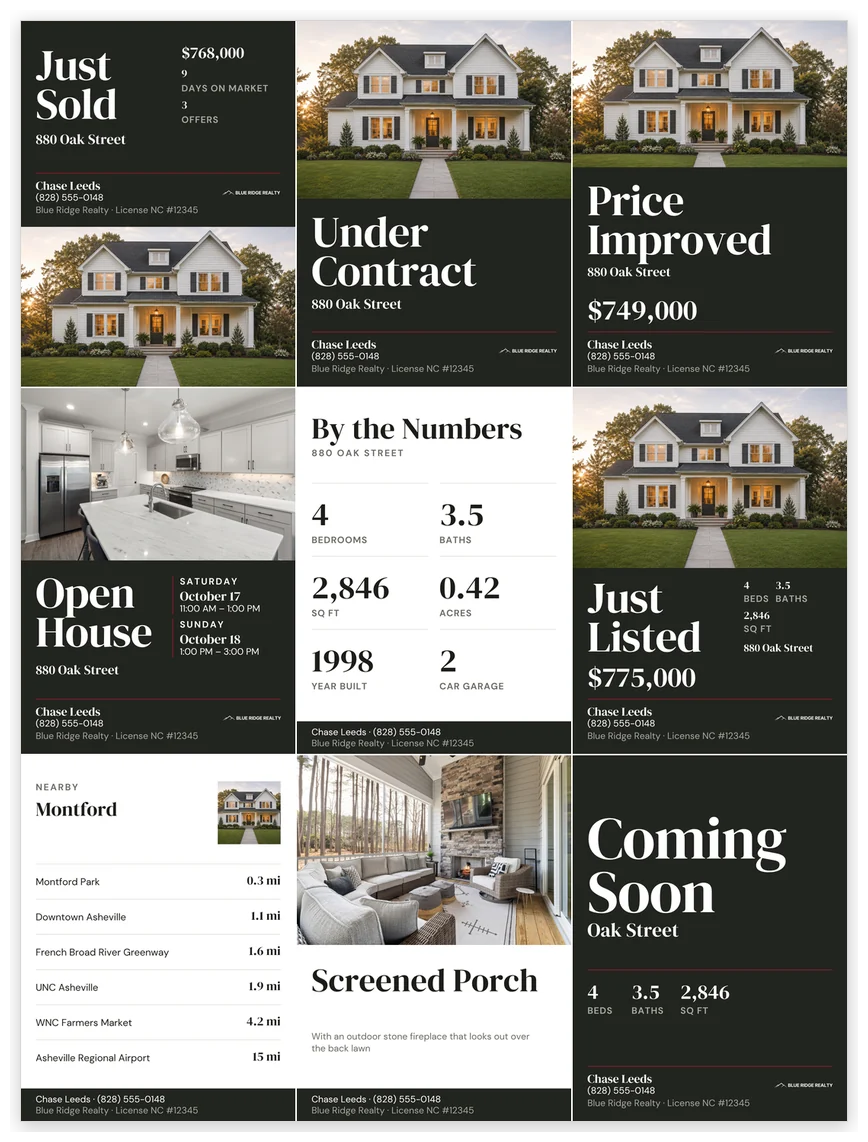
One listing in a profile grid, newest first.
The same design as your flyer and brochure
The kit uses the 2-Sided Property Flyer and Property Brochure design, so the listing looks the same on the showing table and in your feed. Each is sold separately, and the kit needs neither.
Hosting an open house too? The Open House Kit has the printed signs and sign-in for the open house you’re posting.
Best for listing agents who post their own listings
If you already use the 2-Sided Property Flyer or Property Brochure, your posts match your print pieces. If you don’t, it works on its own as one design you reuse for every listing.
A good fit if you:
- want every post for a listing to look like one set, from Coming Soon to Sold
- post the listing yourself, on Instagram or Facebook, and edit in Canva
- want one design to duplicate for each new listing instead of a new template every time
Not ideal if you need:
- square or landscape files — feed posts are 4:5 and stories 9:16
- video, Reels or animation — these are still image posts
- market update, tip, testimonial or holiday posts — the kit covers one listing’s stages
- posts written or scheduled for you — you edit and post them yourself
Ready for your next listing
1. Set your brand color once in each design.
The magenta lines show where it goes. Select one and choose Change all. Feed and stories are separate designs, so do it in both.
2. Add your name, phone, brokerage, license and logo.
These become your master copies.
3. Duplicate both designs for each listing.
Change the address on every post at once with Find and replace.
4. Drop in your photos and type the details.
Type the price and facts on each post you’ll use. The list price and the sale price are separate entries.
5. When a stage happens, edit that post.
Copy its caption from the Quick Start, download and post.
The stage words edit too: Price Improved to Back on Market, Under Contract to Pending or Sale Pending, and the reminder to This Weekend, Tomorrow, Today or a day name.
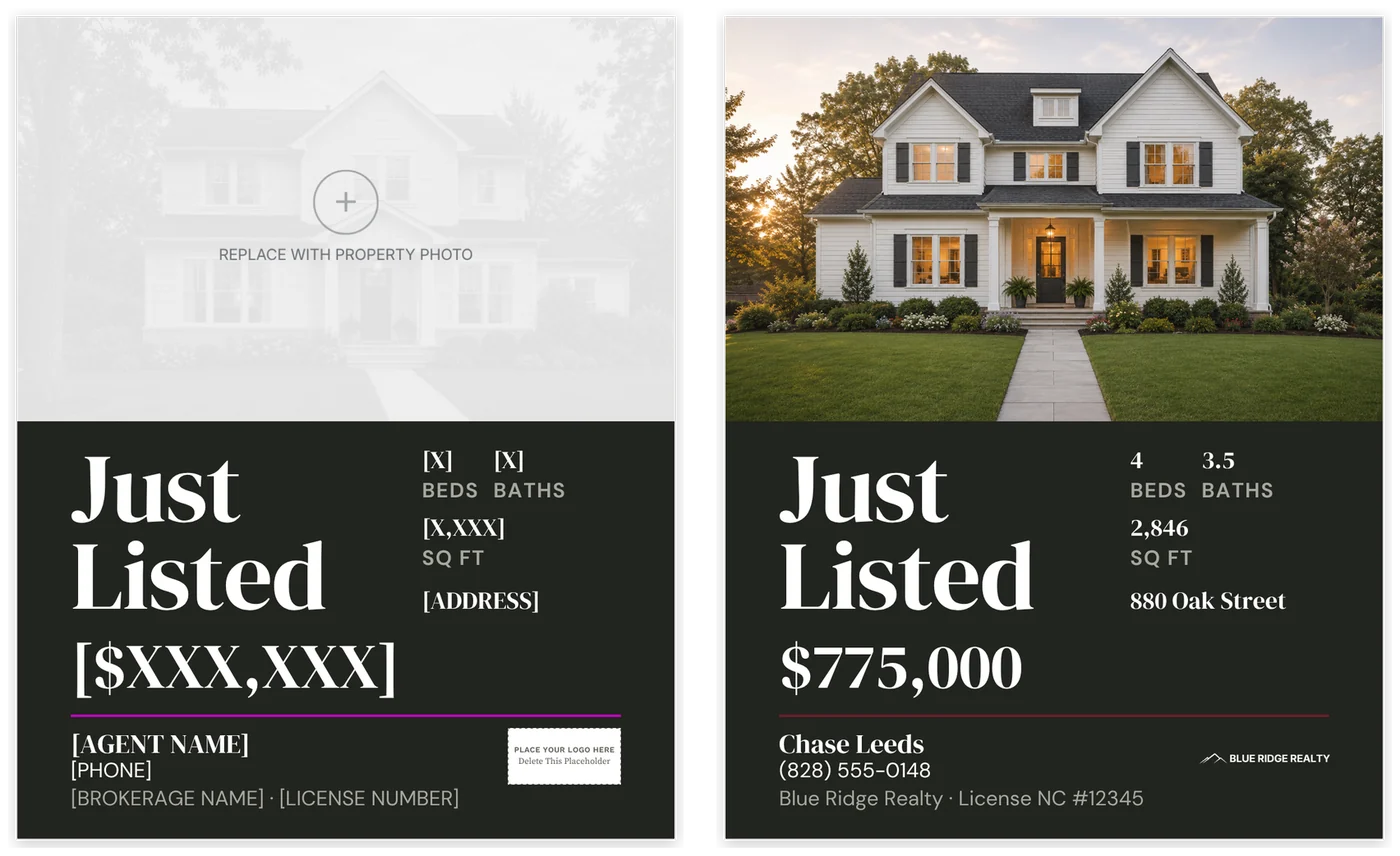
What you download, and with your listing in.
What’s included
Fourteen feed posts and eight stories in two Canva designs, shown filled in with a sample listing. Your copy downloads with empty photo frames and placeholders.
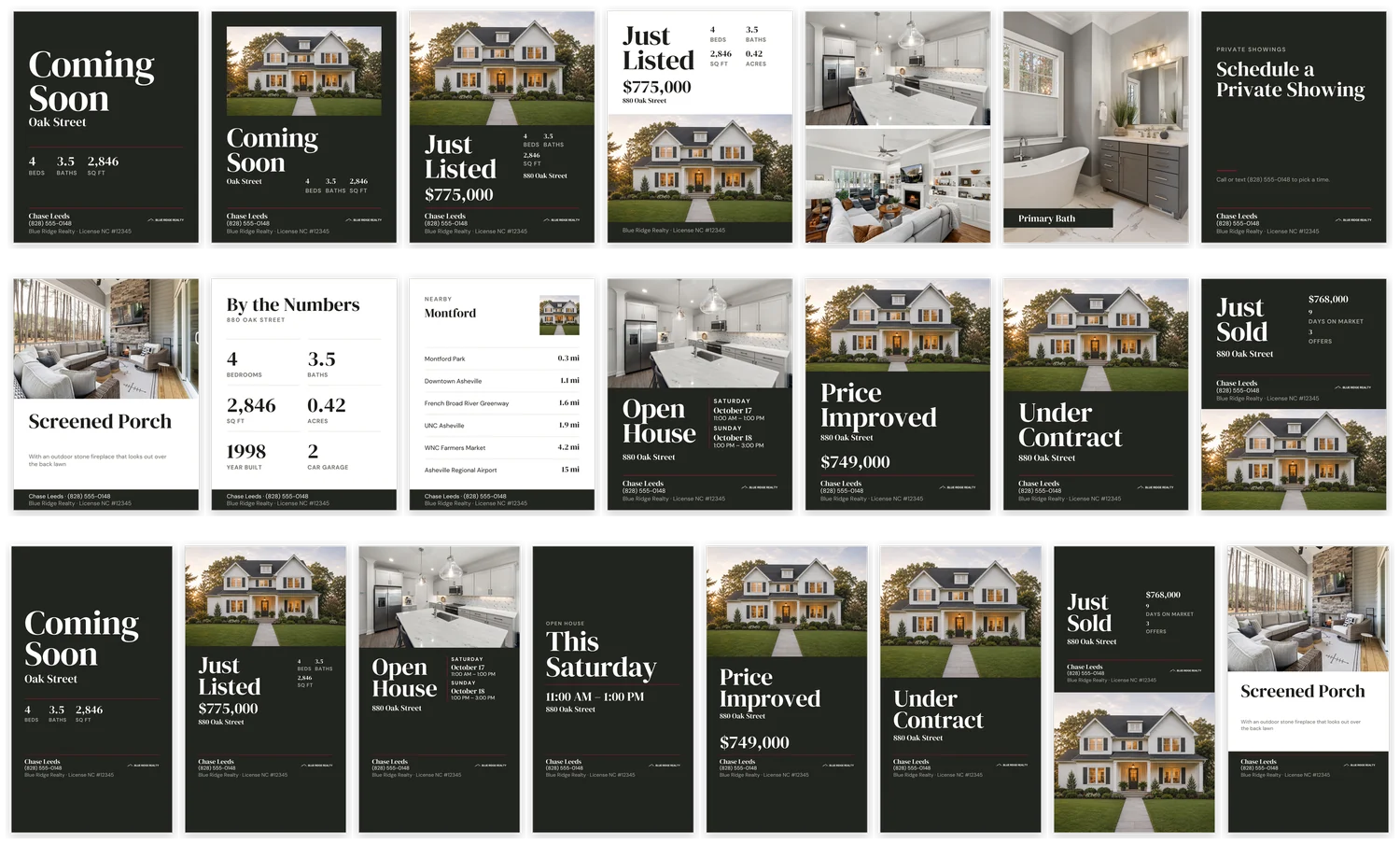
Feed posts, 1080 × 1350
Coming Soon (no photo and photo), Just Listed, the four-slide carousel, Feature, By the Numbers, Nearby, Open House, Price Improved, Under Contract and Just Sold.
Stories, 1080 × 1920
Coming Soon, Just Listed, Open House, Open House reminder, Price Improved, Under Contract, Just Sold and Feature.
Quick Start Guide
Which post to use at each stage, setup, one short caption per stage, and a checklist for each listing.
What to know before you buy
Two Canva designs, two sizes.
Feed and stories are separate designs, each built at its own size. There are no square or landscape versions.
No photos are included.
Every photo spot is an empty frame for your listing photos. The previews on this page show a sample listing.
Captions describe the home and the event.
The Quick Start has one short caption per stage. They describe the property, not who should buy it. Edit them to sound like you.
The brokerage line is a space, not a compliance check.
Every post has a line for your brokerage name and license number. Check your state’s advertising rules and your MLS rules, including rules on Coming Soon marketing, and get your sellers’ OK before posting a sale price, days on market or offer count.
Your logo goes in a placeholder box.
Posts with a logo spot have a “Place your logo here” box. Delete it and place your logo.
Tested in Canva Free.
Including Change all in both designs and the stage-word edits. The download is one PDF with the two Canva template links and the Quick Start Guide.
Common questions
Do I need Canva Pro?
No. Both designs were tested in Canva Free, including Change all and the stage-word edits.
What if I don’t have photos yet?
Coming Soon (the no-photo version), By the Numbers, Nearby and the closing carousel slide all work without any photos.
Why are feed and stories separate designs?
Resizing a design in Canva doesn’t carry a layout over reliably, so each size is built as its own design. Set your brand color once in each.
Does it work for Facebook too?
Yes. The 4:5 feed posts and 9:16 stories work on both Instagram and Facebook.
Can I add Instagram’s countdown or link stickers?
Yes. Each story leaves a clear area for one. Add the sticker in Instagram after you upload the story.
Post your next listing as one set, from Coming Soon to Sold
Set your color and details once in Canva Free, then duplicate both designs for each listing.